0 votes
Kontainer for Umbraco 8
Bring your digital assets into Umbraco — seamlessly.
The Kontainer plugin connects your DAM directly to Umbraco, allowing editors to find and use approved assets without leaving the back office. Instead of uploading and maintaining files in multiple places, everything stays in sync with your central asset library in Kontainer.
To install the plugin for Umbraco 9-14, use NuGet/dotnet
Work smarter with your media
Managing media across systems quickly becomes time-consuming and error-prone. With Kontainer integrated into Umbraco, your team can:
- Manage all assets in one central place
- Access them instantly from within Umbraco
- Avoid duplicate uploads and outdated files
This reduces complexity, ensures consistency, and makes it easier to keep content up to date.
You can read more on how to use Kontainer with Umbraco in our Helpdesk article
A natural editing experience
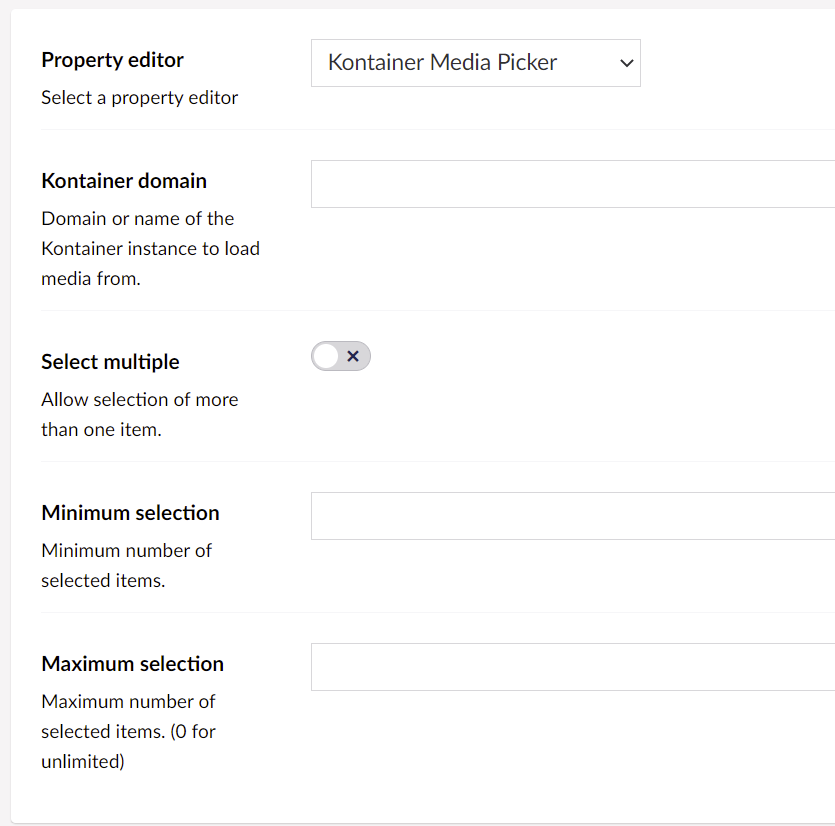
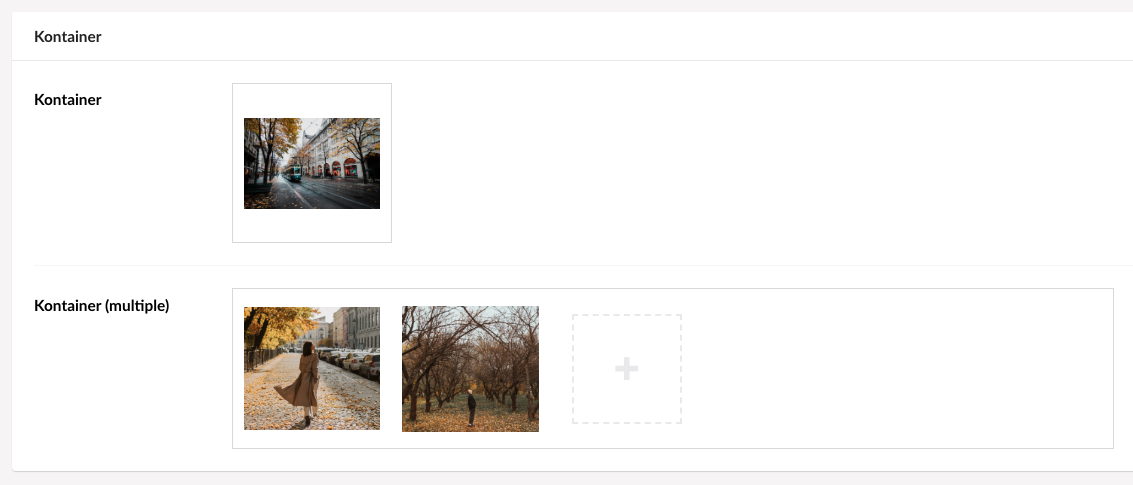
The Kontainer plugin is designed to feel like a native part of Umbraco. Editors can browse and select assets directly from Kontainer, whether they need a single image or multiple files. At the same time, you retain full control over structure and usage, including the ability to define limits on selections.
Everything you need, included
Each selected asset includes relevant metadata, such as URLs, file types, descriptions, and alt text. This ensures that content can be rendered consistently and efficiently on the frontend without additional manual work.
The picker stores the following information:
- URL: The absolute URL to the selected item
- Type: The type of item that has been selected, e.g., "image"
- Extension: File extension, e.g., ".docx"
- Description: Short text, also edited in the Kontainer UI. Used to describe images for screen readers.
Why Kontainer + Umbraco?
If you are already using Kontainer, the integration gives you a cleaner and more scalable setup. You maintain a single source of truth for all assets, avoid duplication, and create a connection between marketing workflows and content production in Umbraco.
Built for your workflow
Kontainer fits naturally into your existing Umbraco setup, helping you scale your digital asset management without adding complexity — and giving your editors a faster, more intuitive way to work with media.
You can read more about the Umbraco integration here: https://kontainer.com/integrations/umbraco
Screenshots

- Package Files
- Documentation
- Archived Files
Archived files
-
Kontainer_plugin_for_Umbraco_8_0.1.26-beta.zipuploaded 19/02/2021 by Kontainer
For Umbraco: Version 8.5.x & .NET Version: 4.7.2 -
Kontainer_plugin_for_Umbraco_8_0.1.25-beta.zipuploaded 19/02/2021 by Kontainer
For Umbraco: Version 8.11.x, Version 8.10.x, Version 8.9.x, Version 8.8.x, Version 8.7.x, Version 8.6.x, Version 8.5.x & .NET Version: 4.7.2 -
Kontainer_plugin_for_Umbraco_8_0.1.27-beta.zipuploaded 19/02/2021 by Kontainer
For Umbraco: Version 8.11.x, Version 8.10.x, Version 8.9.x, Version 8.8.x, Version 8.7.x, Version 8.6.x, Version 8.5.x & .NET Version: 4.7.2 -
Kontainer_plugin_for_Umbraco_8_0.1.29.zipuploaded 02/02/2022 by Kontainer
For Umbraco: Version 8.11.x, Version 8.10.x, Version 8.9.x, Version 8.8.x, Version 8.7.x, Version 8.6.x, Version 8.5.x & .NET Version: 4.7.2 -
Kontainer_plugin_for_Umbraco_8_0.1.36-beta.zipuploaded 30/11/2022 by Kontainer
For Umbraco: Version 8.11.x, Version 8.10.x, Version 8.9.x, Version 8.8.x, Version 8.7.x, Version 8.6.x, Version 8.5.x & .NET Version: 4.7.2
Documentation
Source code
Package owner

Package Compatibility
This package is compatible with the following versions as reported by community members who have downloaded this package:
Untested or doesn't work on Umbraco Cloud
Version 8.18.x (untested)
You must login before you can report on package compatibility.
Previously reported to work on versions:
Package Information
- Package owner: Kontainer
- Created: 19/02/2021
- Current version 0.1.37
- .NET version 4.7.2
- License MIT
- Downloads on Our: 747